I have a problem.
I already prepared things for Phono Preamp (filled shopping card on Digikey and uploaded gerbers to JLCPCB). But to save on delivery, I wanted to order more PCBs at once…
So, I brought to life my old projects. Home audio system Badaboom.
I already bought some nice neat VFD displays from Futaba (FV651G) to bring some warm indication (and already done some tests to determine min. voltages).

Also I need one selector to switch between some sources.
I’ve planned:
- PC
- HDMI splitter (WII)
- Phono
- CD changer from Onkyo
- Bluetooth
- AUX input (maybe Internet Radio later)
And also I want to output this signal to the main 2.1 system and 2.0 system in the kitchen, so I need two amplifiers too. Oh, and I want one headphone very-good-quality hi-end output.
The worst thing, I want to control all remotely, with some good nice knobs (and VFDs!)
I preselected some things,
- TPA6120 as high-quality current-feedback headphone amplifier
- TPS3116 as 2.1 amplifier
- TDA7719 as selector + sound tuning & subwoofer filter
- The amplifier for the kitchen is still open, but I think it will be TPS3116 too
- For the headphone selector relays will be used
- And for headphone volume relay volume controller will be used too
Now I struggle with voltage supply for this big zoo. Some things need 200W 24V, some 100W 12V, 5V, 3.3V, 10V… you name it.
VFD are worst, they need ~3VAC for filament, and also ~30VDC for grid/segment drive.
After long, long, long, very long googling, I selected push-pull driver SN6505 to drive the self-made trafo and generate some voltages from USB 5V. Also I selected PT6315/PT6311 to drive the displays.
I plan to use this driver to generate ±10V for headphone amplifier too…
So, now I need to learn more about push-pull and self-made trafos, I haven’t done this before… I started some design in KiCad, and understood, what I have no idea about how big/complex/challenging this trafo will be.
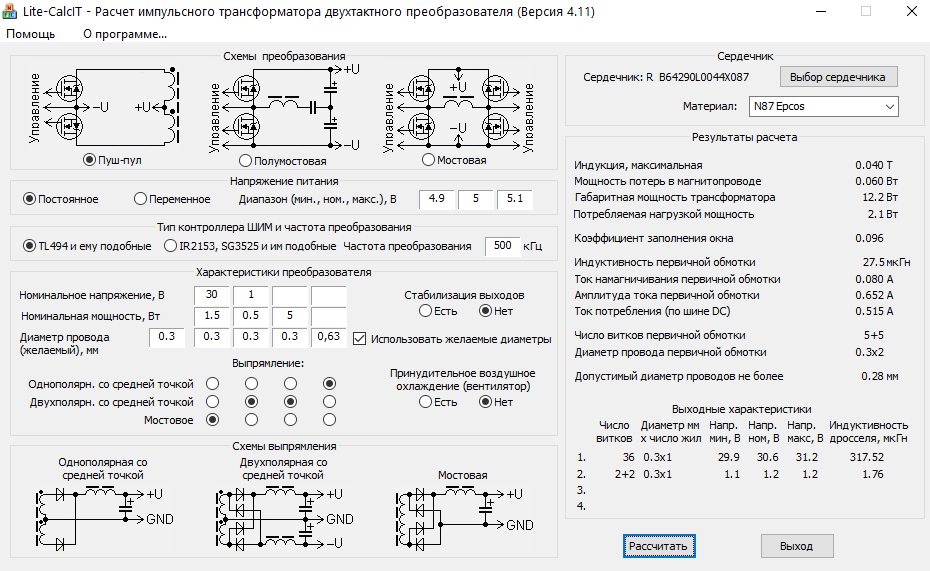
I used a very nice Lite-CalcIT soft and “call a friend” option, and preselected some variants.
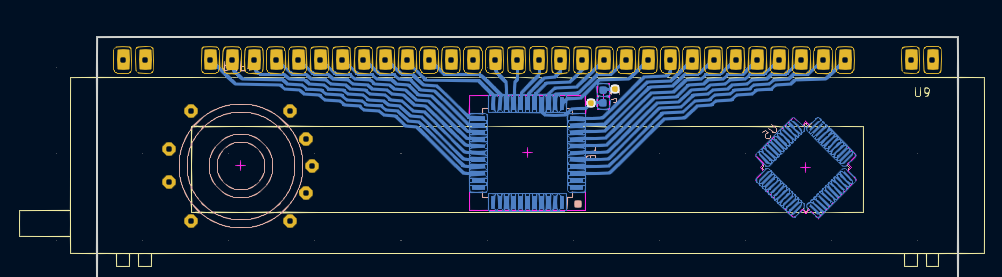
Some KiCad footprint drawing…
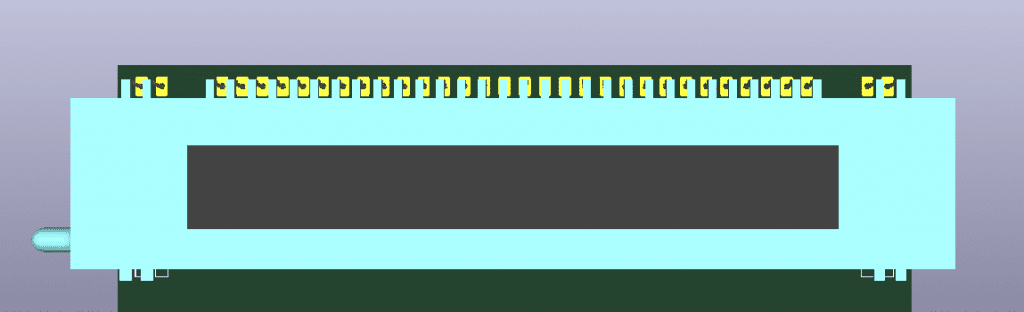
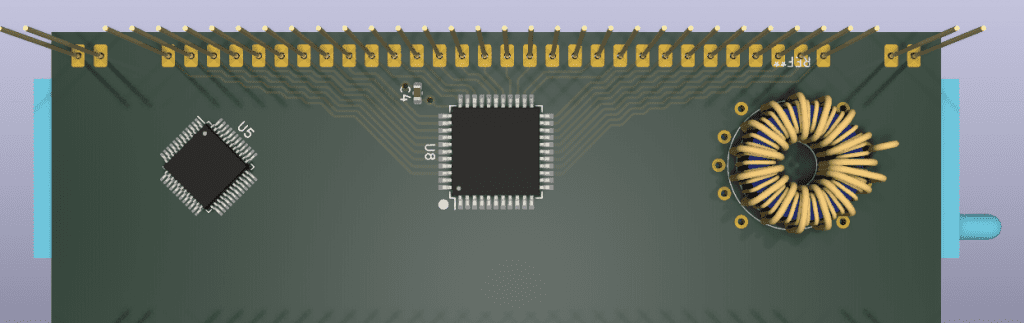
But when I opened Fusion 360, and I was lost…
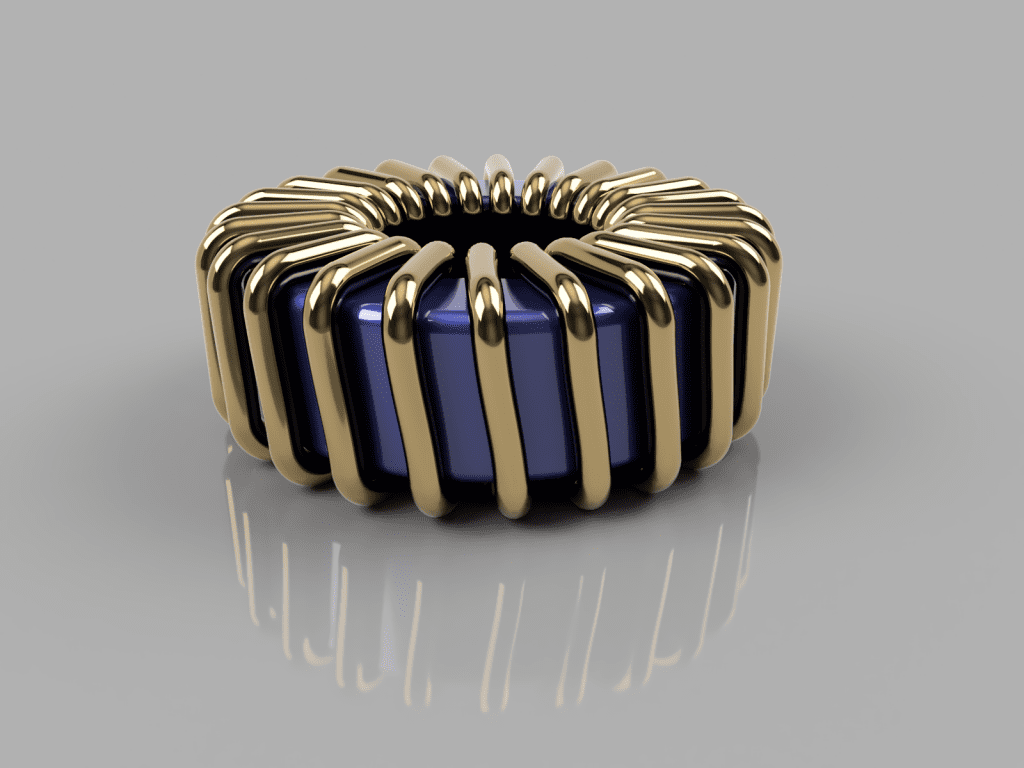
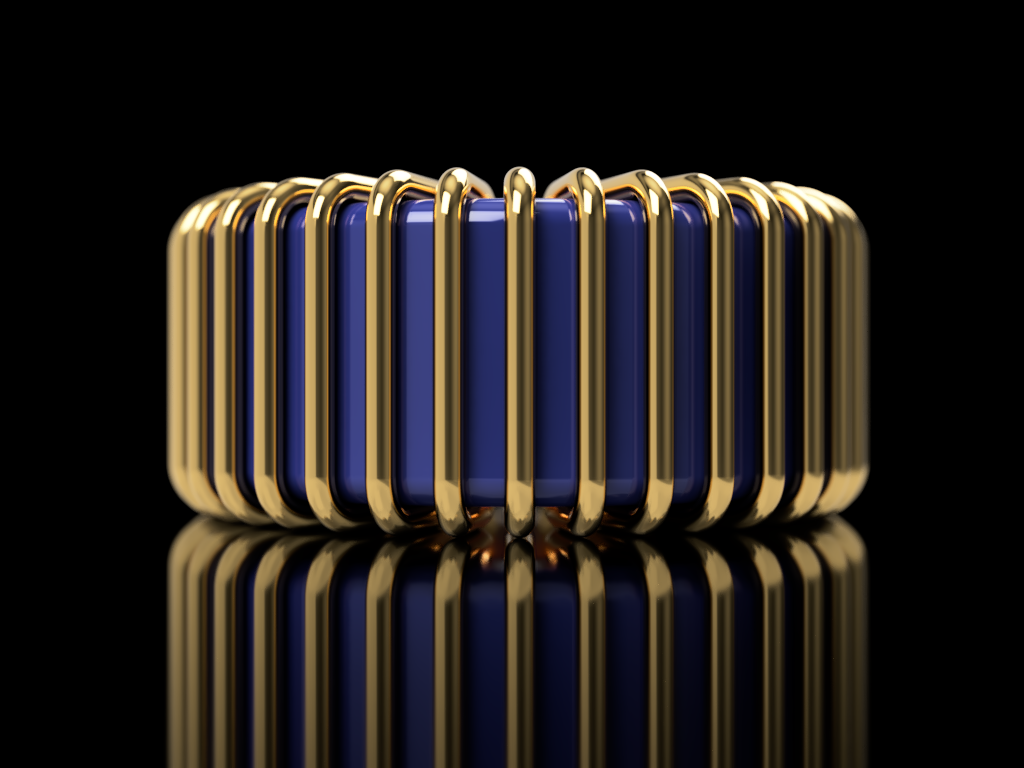
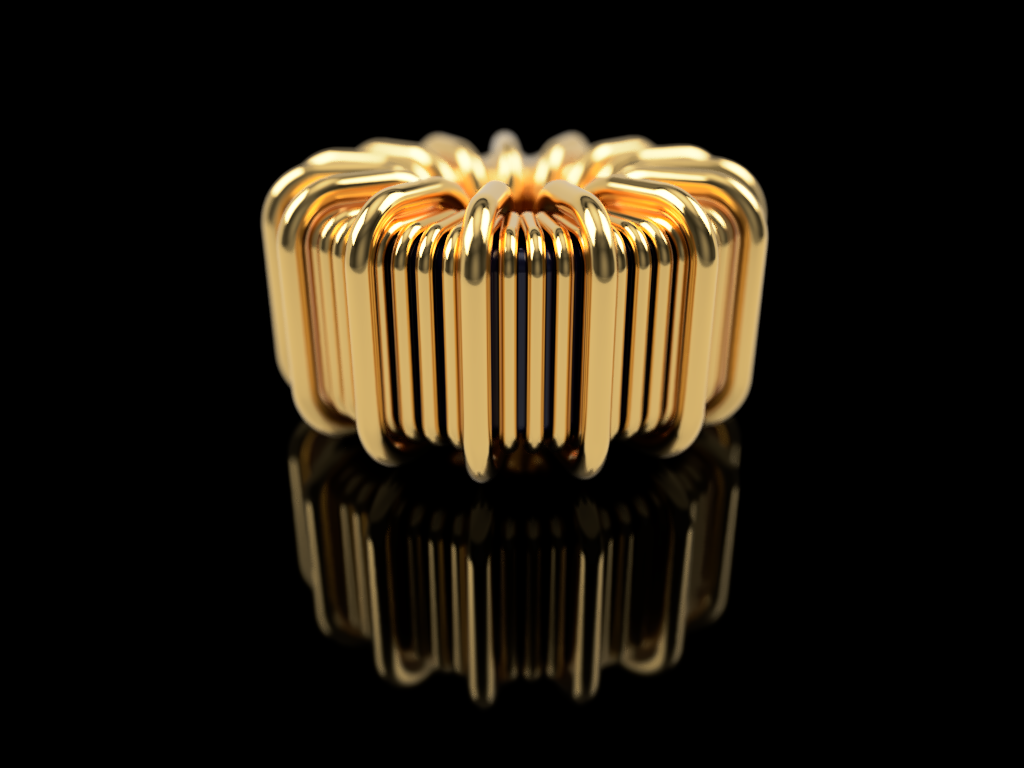
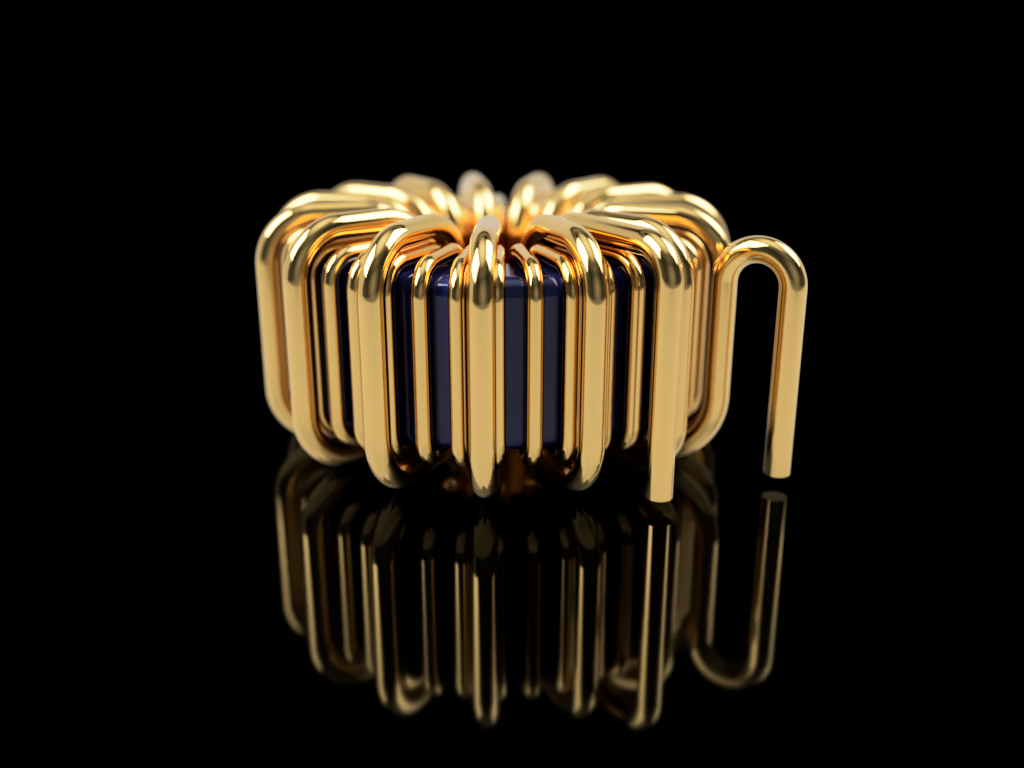
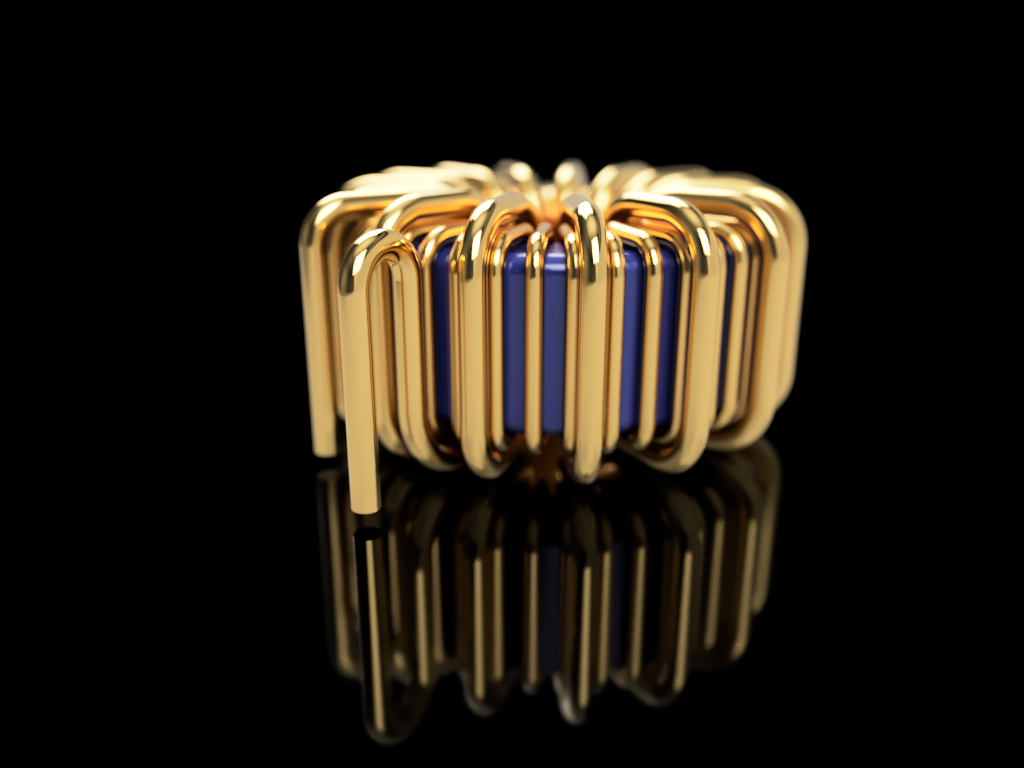
I still have no idea, how I’ll mount this beauty.
I hope we will see a bit more progress next week…